An AI tool stack is akin to a construction worker's toolbox.
A hammer and screwdriver both apply mechanical force to fasten things, but do so in different ways, requiring different technique, precision, and power.
Ditto for AI video tools.
In theory, any tool can generate the assets your strategy dictates, but the results, quality, and process can be vastly different. And what you want is precision, not a hack job.
Here at Z2A, we had one of our most talented and sharpest creative strategists, Manal Namri, test the best AI video generation tools available today. She shared her experiences with these tools, noting their overall efficiency, strengths, weaknesses, costs, and more. And we'll use her insights to help you understand which tools work best for your AI video needs.
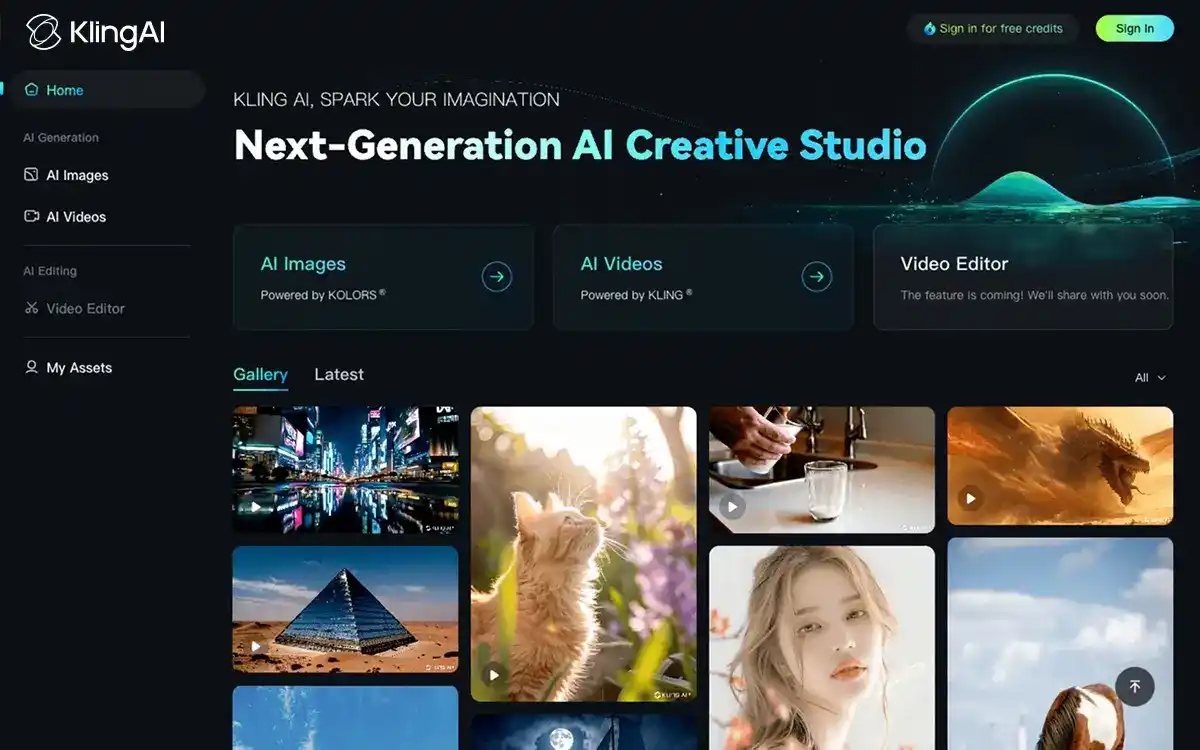
A product of Kuaishou, Kling AI is positioned as an asset-production tool instead of an editing suite. It runs on a free tier that provides 66 daily credits, with a Standard plan costing $7/mo and a Pro plan that's roughly $26/mo, pricing that sits considerably lower than most tools in this category.
Example Use Case: Launching a match-3 puzzle game, with a 15-second TikTok ad visualizing objects colliding, shattering, and then falling off the board with a "ringing" noise sounding off. Kling would generate these shatter physics and native audio in one attempt, minus the need for separate compositing or SFX libraries.
Difficulty: Easy. Kling AI uses a straightforward prompt-to-video interface. The main learning curve for users is writing effective prompts, not using the tool itself.
Takeaway: For superb cinematic quality, Kling AI is the video generation tool for your creative assets. It's your starting point for producing individual clips at the sharpest video quality for the lowest cost.

Runway (Gen-4.5) is one of the best AI video generation tools on the market. That said, it functions as an editing environment first, and a generation model, second. Users can start with a free tier that offers 400 one-time credits (not renewing). Paid plans come in two options: a Standard plan priced at $12–15/mo and a Pro plan priced at $28–35/mo.
Example Use Case: Turning an approved, static hero image of a fintech app's dashboard interface into a motion video with animations, camera push-ins, and ticking numbers on screen.
Difficulty: Medium. Because it's an editing environment, users need to get accustomed to more elements than just writing prompts.
Takeaway: Runway is perhaps the best AI image-to-video tool on the market and a premier choice for editing, but secondary to Kling when it comes to overall video generation capacity.
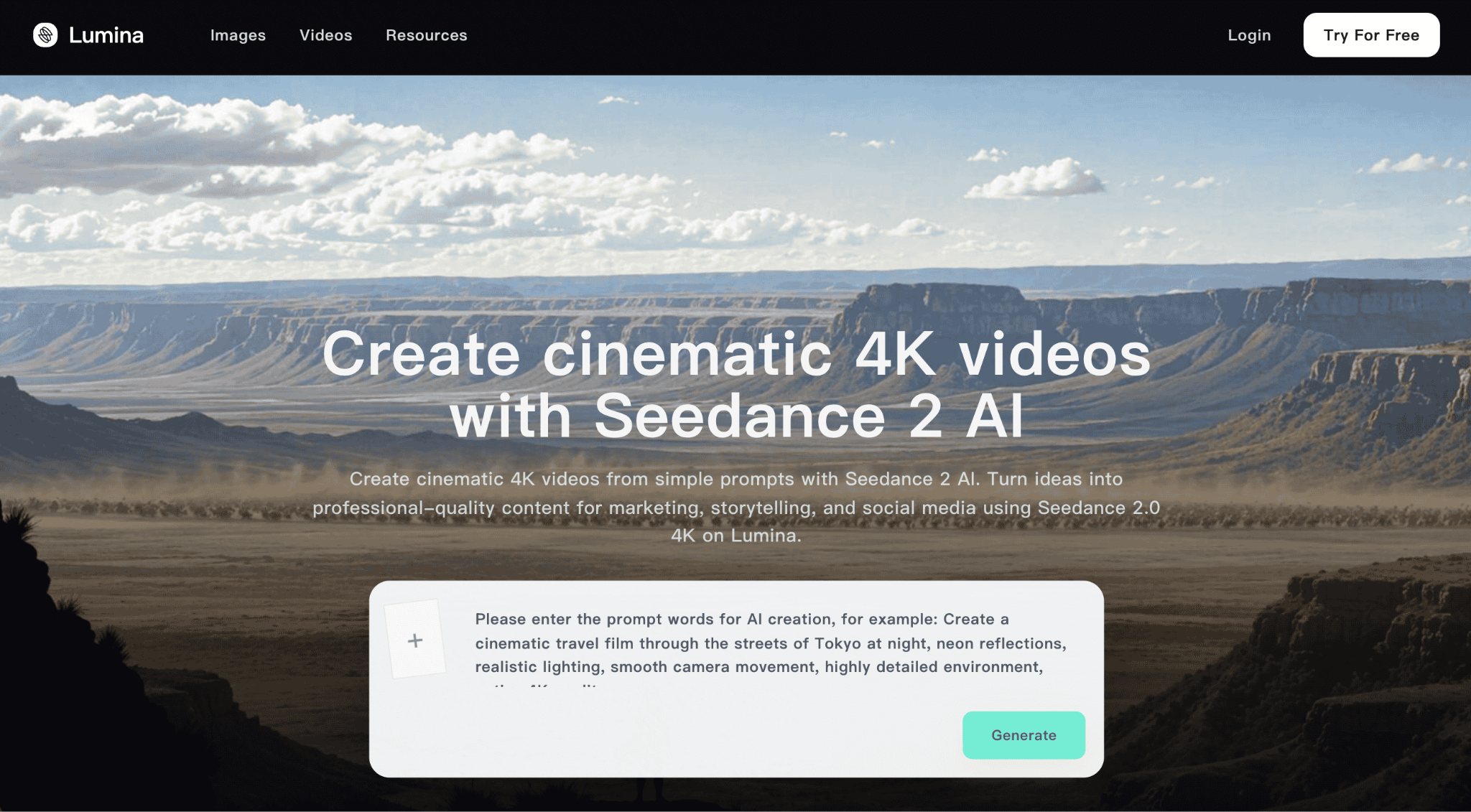
Seedance is a video model created by ByteDance. It stands out for its pairing of native audio alongside multi-shot generation. Users can access a free tier that runs 225 daily tokens, a Basic plan that's roughly $10/mo direct, or approximately $2.30–2.90 per clip when accessed via Runway.
Example Use Case: Building a 20-second sequence for a dating app, which cuts from someone nervously scrolling through their phone, seeing a match notification, and then responding with a smile. Additional elements would include dialogue and café noise ambience synced through all three cuts in one generation.
Difficulty: Easy–Medium. Easy to generate directly through Dreamina; however, complexity increases if users access it through Runway or run into regional workaround restrictions.
Manal's Take: "[Seedance] has always delivered great results, with fewer mistakes compared to others like Kling. The downside is that they're unfortunately not as cost efficient as Kling."
Takeaway: Seedance is a strong alternative and worth experimenting with, especially for building ad creatives that infuse both native audio and shot sequencing in one workflow.
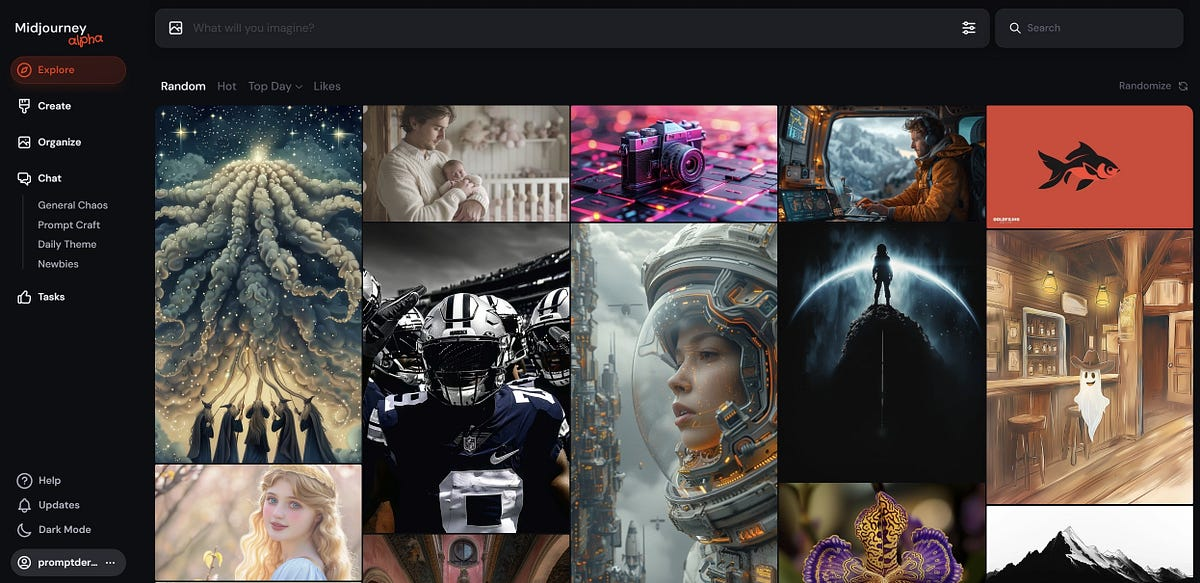
One of the frontier options during the GenAI boom back in 2023, Midjourney remains one of the best AI image generation tools in 2026. The current version, V8.1, still offers no free tier. Users must choose from one of three plans: Basic running at $10/mo, Standard at $30/mo, or Pro at $60/mo.
Example Use Case: Generating 20 moodboard frames for a fitness app, rendered as aspirational lifestyle shots featuring bold fonts and vibrant gym lighting, an aesthetic reminiscent of Nike or Peloton imagery.
Difficulty: Medium. Mastering prompt syntax and style along with moodboard personalization takes practice to achieve art-directed outputs consistently.
Manal's Take: "Midjourney is exceptional for creating artistic, unique assets, thanks to its style personalization feature, which you can build through moodboards."
Takeaway: Midjourney is the go-to choice for art direction of still images. It doesn't offer a free tier, but its image generation quality and versatility are unmatched, making the paid plans worthwhile.

Nano Banana received widespread acclaim upon launch, and rapidly established its reputation as being one of the best AI image editing tools in 2026. It offers a free plan via Google AI Studio, as well as a Pro tier starting around $1/day.
Example Use Case: Generating 30 variations of one app-install ad for a split test on Google UAC, but swapping background colors, headline copy, and CTA button styles across them all.
Difficulty: Easy. Setup is minimal through Google AI Studio, as it's built for fast, frictionless volume generation.
Takeaway: Nano Banana is your tool of choice when volume takes priority. Its ability to generate multiple variations makes it the right tool for scaling output.
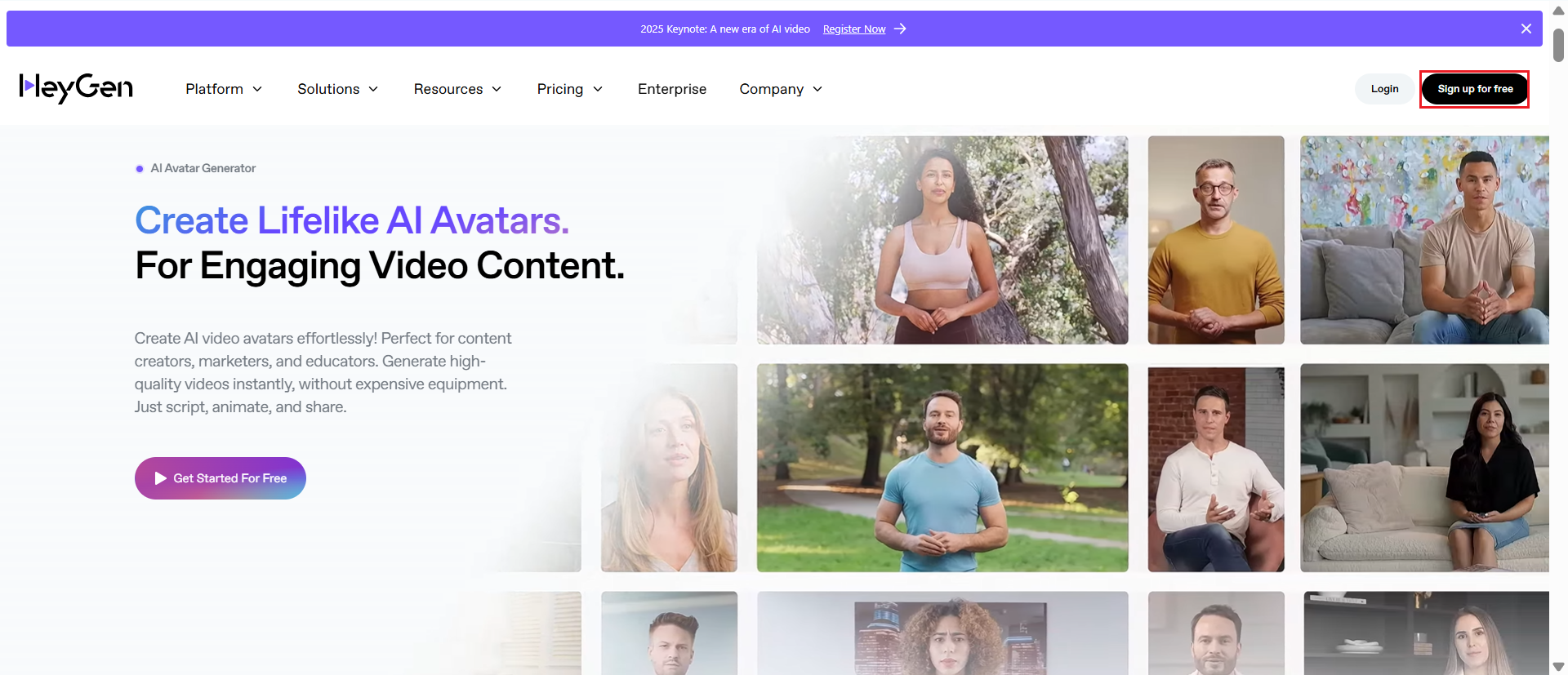
HeyGen's specialty is handling avatar and localization video output. It offers a free tier that allows users to generate around 3 videos, a Creator plan priced at $29/mo, and a Team plan priced at $89/mo. Users can also access it at a per-minute rate of roughly $2.
Example Use Case: Adapting an already-produced, avatar-driven explainer video for a SaaS product's onboarding in Spanish, Japanese, and Turkish, and ensuring lip-syncing matches each language.
Difficulty: Easy. Ramp-up is minimal, especially with its free tier.
Takeaway: If you need widespread localization and avatar delivery, HeyGen is worth a try, especially with its free tier offerings.
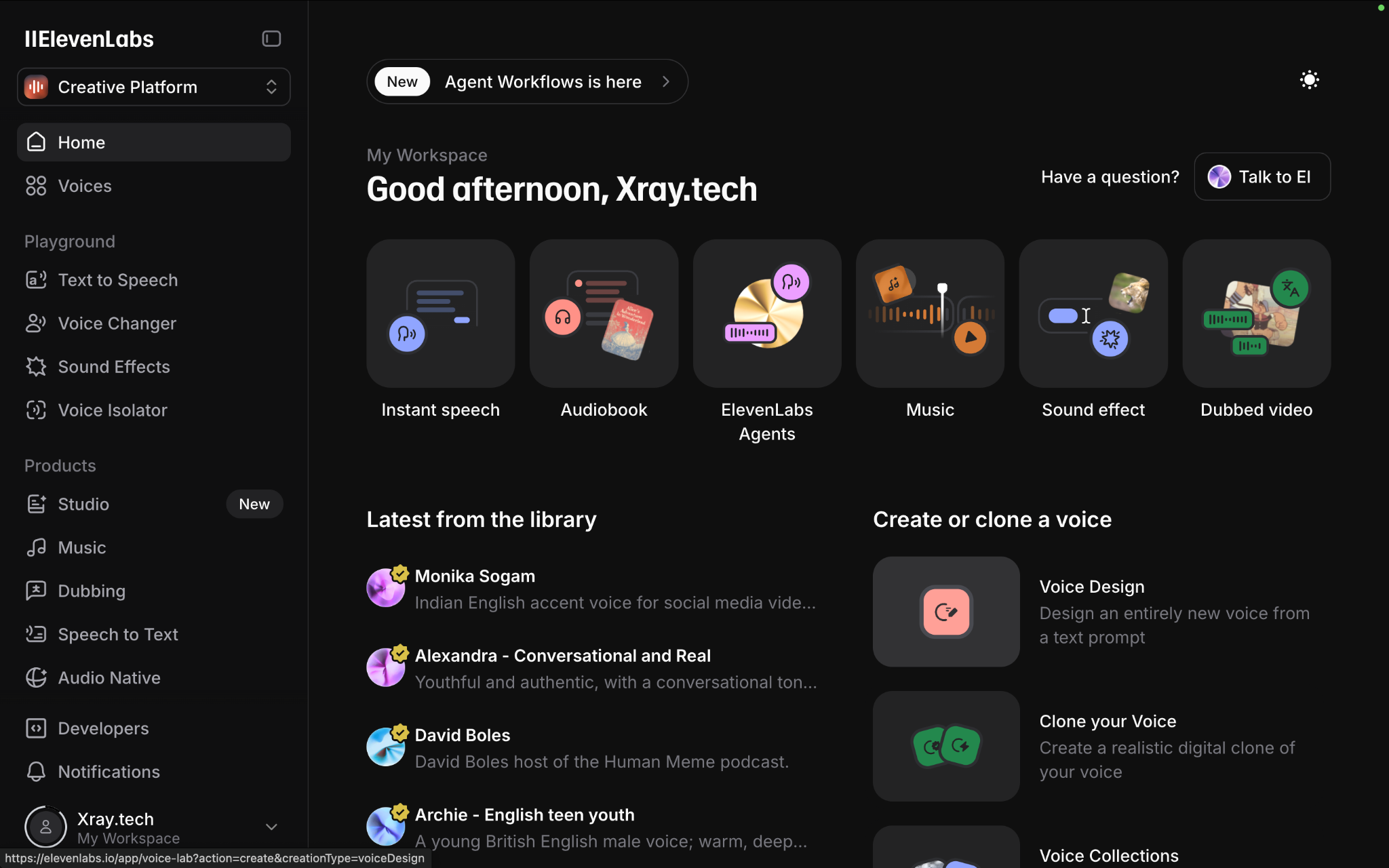
ElevenLabs is one of the few audio-focused tools on the list, but it still belongs because it supplies your AI video with some of the best audio output you can get. Users can access a free tier that includes 10,000 credits. Paid plans come in three flavors: a Starter plan priced at $5/mo, a Creator plan starting at $22/mo, and a Pro plan at around $99/mo.
Example Use Cases: Adding natural-sounding voiceovers and soft background music for an explainer video that is lacking native audio.
Difficulty: Easy. The technical barrier is low for generating voice and music, and the UI is clean and straightforward to use.
Takeaway: ElevenLabs can be the all-in-one voice (and audio) tool in your stack, ensuring your videos get the vocals and musical treatment they need.
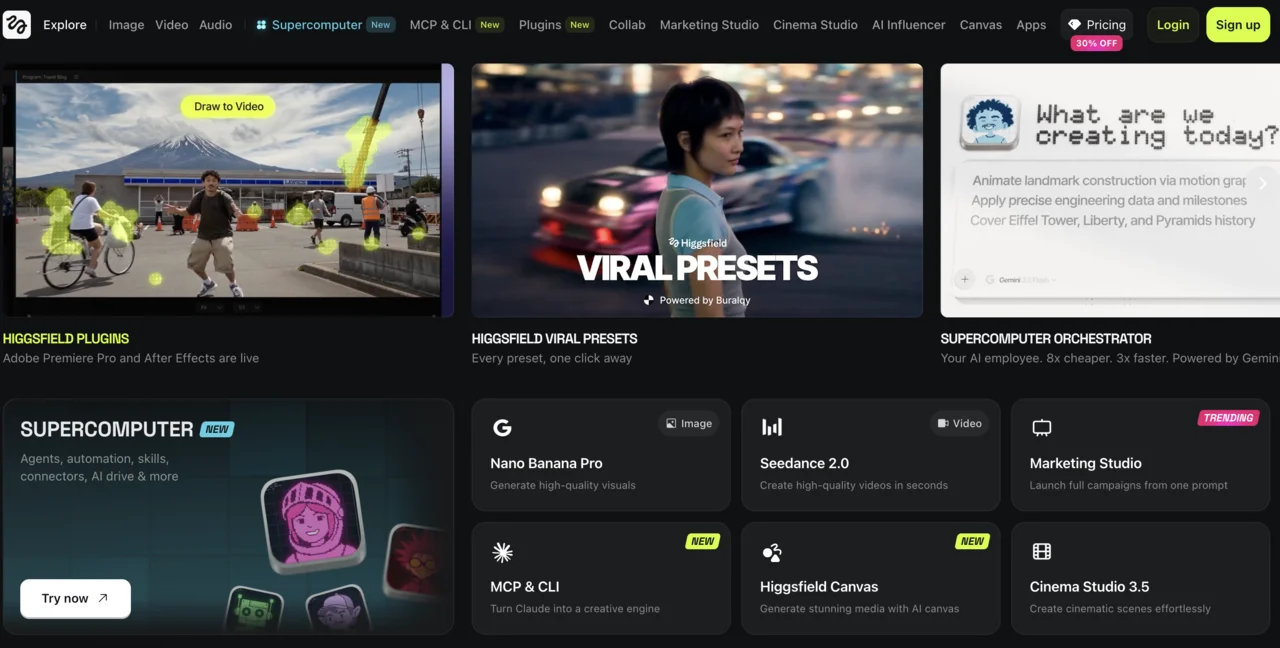
Higgsfield is a multi-model workspace that lets you create text, images, video, and audio in one location. It's available through two options: a Starter plan offering 270 credits at €19/mo, and a Plus plan offering 1,200 credits at €47/mo.
Example Use Case: Need access to a highly specific model, such as Seedance's Enhanced Fast tier, for a video that requires strong character consistency.
Difficulty: Medium–Hard. Choosing from the wide range of available models can make decision-making and budgeting more complex.
Takeaway: Although Higgsfield offers hundreds of models in one place, its output is somewhat subpar for its pricing. Unless you need access to Seedance Enhanced Fast, stick to the standalone options.
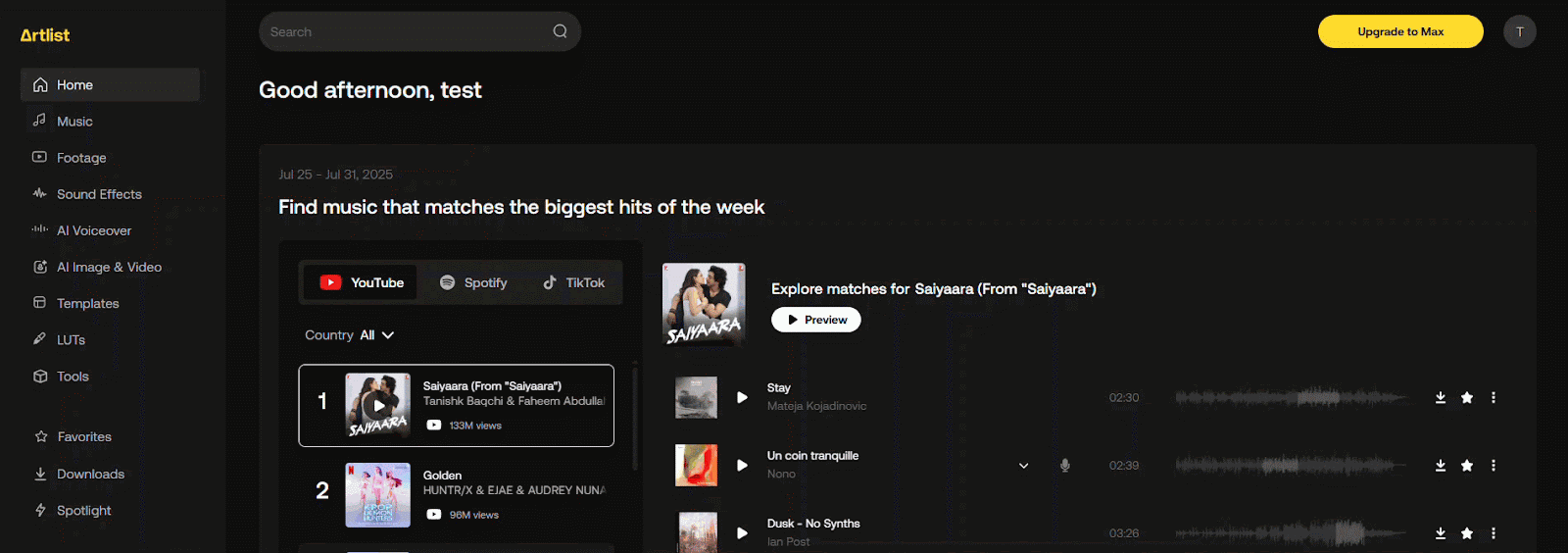
Artlist provides a combination of multi-model generation and a stock library. Its AI Starter begins at $10/mo, AI Creator runs at about $42/mo, and a Max bundle that begins at roughly $40/mo.
Example Use Cases: A background track in a product demo video can't be cleared for a paid media campaign, and a team needs to swap it for a licensed one instead.
Difficulty: Easy–Medium. For basic stock and sound sourcing, Artlist is easy to adopt. The difficulty rises when combining specific models with the stock library.
Takeaway: Artlist shines for its sound and stock output. However, if a campaign demands the highest precision and output, then you should look at Kling or other alternatives.
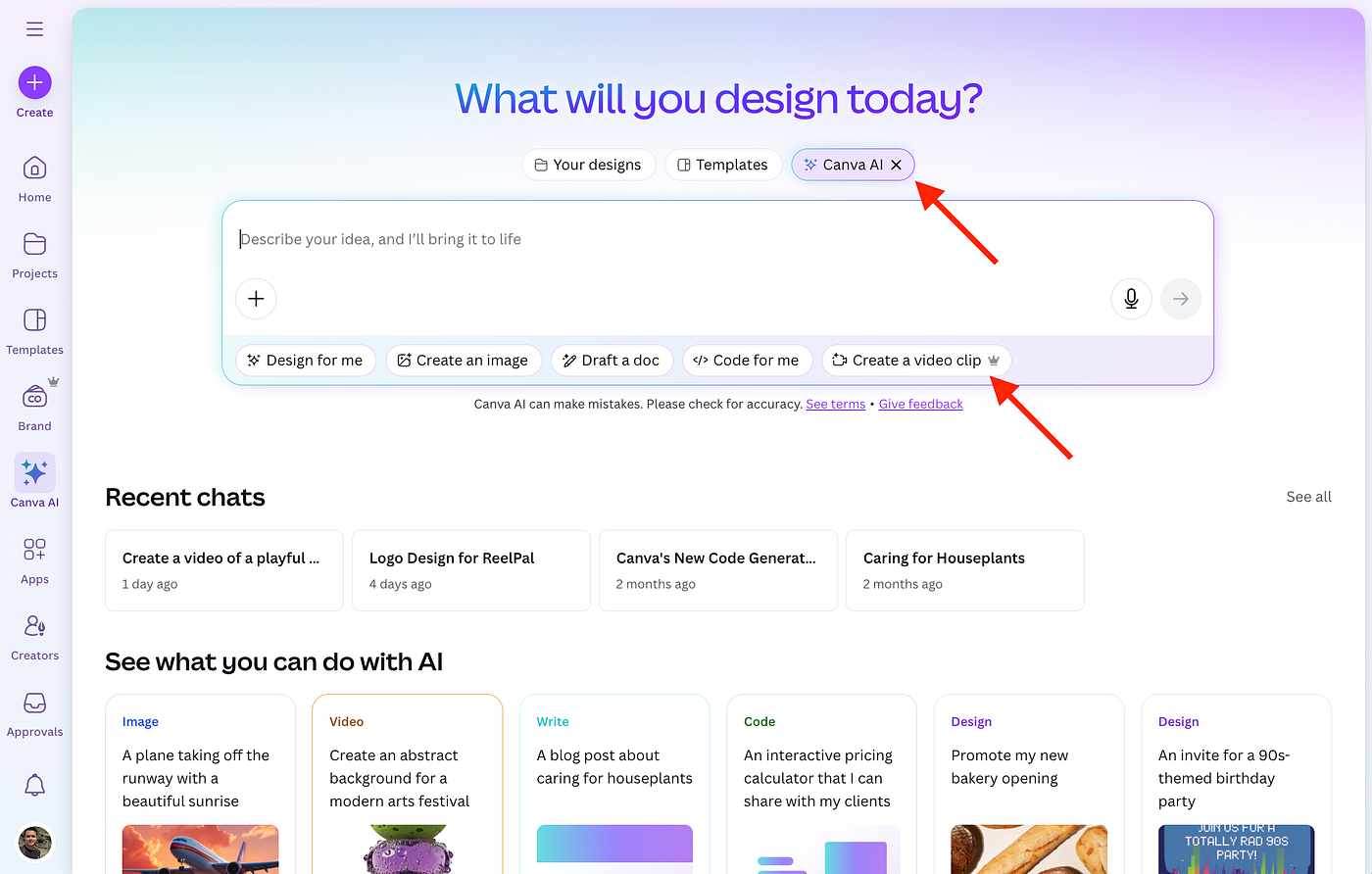
Canva hardly needs an introduction, but its AI capabilities are worth mentioning. It handles the production of static assets and can do so running on an existing subscription with virtually unlimited output.
Example Use Case: A display campaign needs 30–40 static banner variants across multiple ad size formats (e.g., 300x250, 728x90) for retargeting purposes.
Difficulty: Easy. A familiar interface for most teams already, Canva doesn't introduce any new workflows to learn.
Takeaway: Canva is the best choice for any campaign that requires volume minus a per-asset cost.
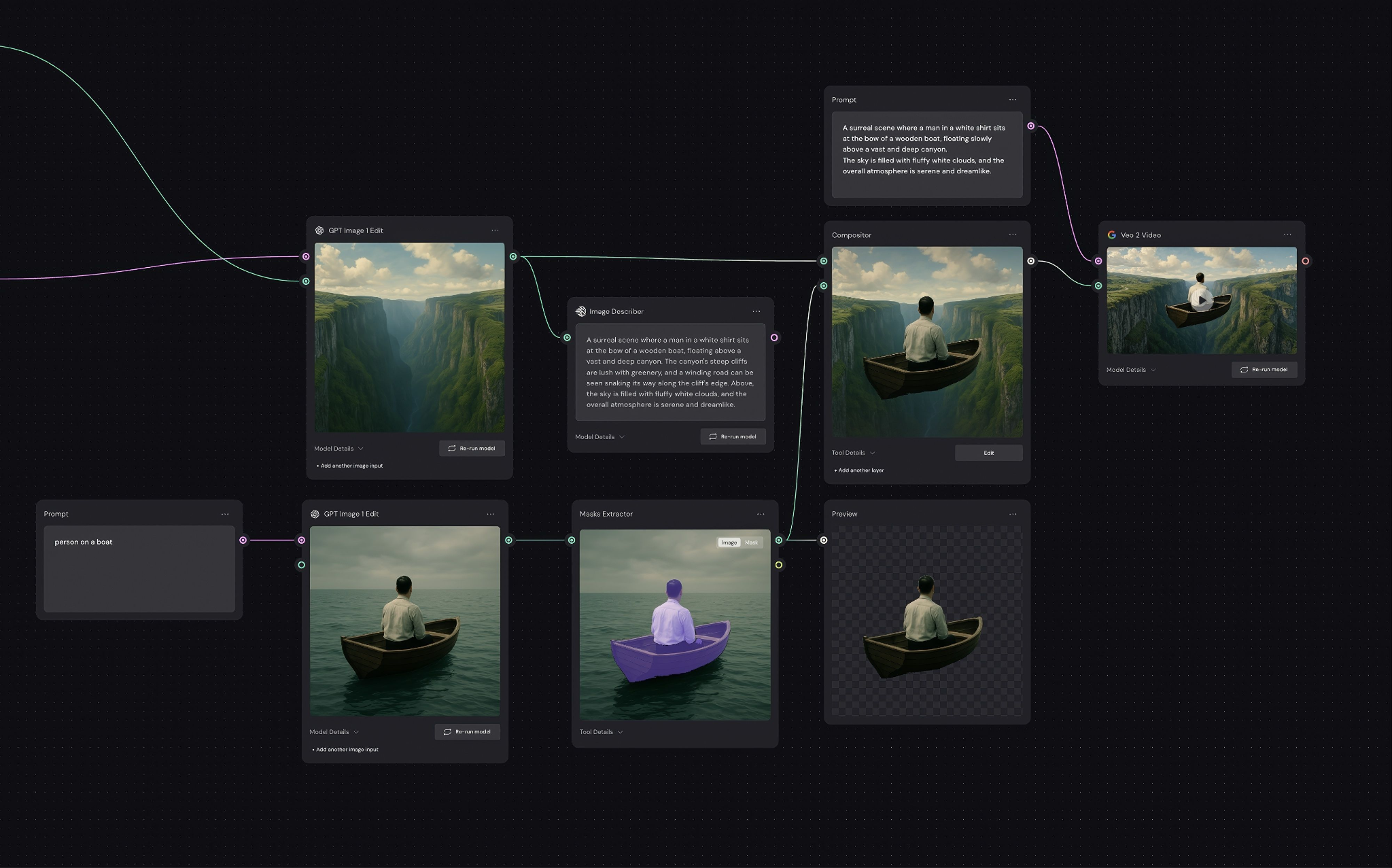
Again, Figma hardly needs to be re-introduced, but Figma Weave doesn't get the attention it deserves. It's a node-based pipeline tool that lets you access every AI model for images, video, and audio, as well as professional editing tools. Users can subscribe to one of two plans: a Starter plan running at $24/mo for 1,500 credits and a Pro plan running at $45/mo for 4,000 credits.
Example Use Case: Creating a node chain to eliminate the need to re-prompt when building a weekly creative asset, such as an Instagram or LinkedIn carousel for a product theme.
Difficulty: Hard. The node-based structure requires exposure and practice, along with considerable setup. It's a far cry from the simple prompt box setup of other tools, making Figma Weave more challenging to master.
Takeaway: Figma Weave is a useful tool for accelerating production, but not so much creation. That said, it's useful for speeding up the process that facilitates asset generation, making it a helpful supplementary tool.
Given everything mentioned above, it should be clear now that different tools excel (or perhaps lag) for specific uses. So it's crucial to align your tool selection and use with the needs of your ad campaigns. Deploying the best tools for the creation of your assets, as guided by your strategy, ensures high-quality and more consistent outputs, along with reduced re-dos and minimal budget waste.
That said, process matters too. With any AI video generation tool, you have to remember that the output is only as sharp as your input. Manal makes this clear:
"One thing that actually surprised me across most of the generations I tested was that the more details I added to a prompt, the less qualitative the result sometimes became. I found that it was more effective to focus on the key things I wanted to achieve and use negative prompts to rule out what I didn't want, rather than trying to describe every single detail."
This is just one example of how technique, applied to any tool, can change the output. So it's crucial that all of your techniques, ranging from prompt engineering to model selection (and more), are on point. When you combine the best tool with sound technique, the results become undeniable.
Ready to think differently about how AI video generation tools can supercharge your creative production? Talk to us today.
Choosing the best AI video generation tool depends on the needs of your ad campaigns. For example, if you need cinematic quality, polish and realism, Kling AI is the superior choice. But if you need multi-shot sequences with sound design, Seedance is the better option. It’s important to remember too, that you can use more than one tool to get complementary benefits.
In many cases, you will need to use a few tools to complete your production workflow. The reason for this is because some tools excel at one facet of creative production compared to others. For example, you might use Runway to turn still images into motion shots, and then use ElevenLabs to give it specific voice and audio elements.
Tools offering free plans include: Kling AI, Runway, Seedance, Nano Banana, HeyGen, and ElevenLabs. That said, some provide a one-time credit allocation (such as ElevenLabs and Runway) instead of a recurring monthly free tier, so it’s important to test thoroughly before the credits run out.

.png)
%20(3).webp)